UI/UX Design
Intuitive product interfaces, user-tested wireframes, conversion-focused web layouts, and scalable Figma design systems.
We design digital experiences that feel effortless, intuitive, and delightful. By combining user research, wireframing, and usability testing with modern aesthetic design systems in Figma, we bridge the gap between business objectives and user needs for web and mobile products.
Core Frameworks & Tools
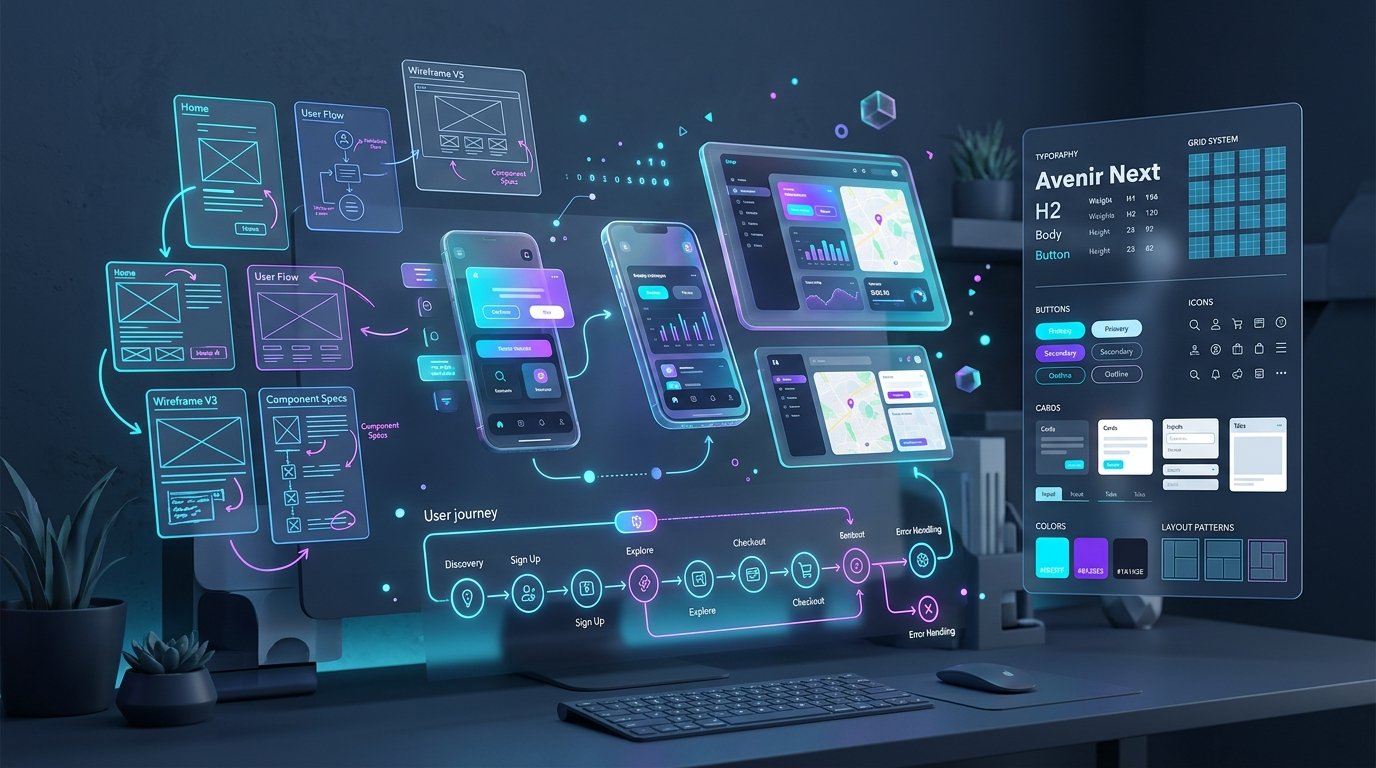
Engineered for high performance, search intent, and business conversion.
Designing User Experiences That Remove Friction and Accelerate Growth
Why intuitive user journeys, accessibility standards, and clean design systems create higher product adoption.
In modern software, user interface design is not just about making things look pretty; it is about reducing cognitive load. When a user has to pause and wonder where to click next, or struggles through a convoluted 5-step checkout process, you lose conversions and drive up churn. Exceptional UX design makes complex business workflows feel simple.
Verse Next designs enterprise SaaS platforms, consumer mobile apps, and high-converting marketing websites from the ground up in Figma. We map out information architecture, conduct user journey research, build interactive wireframes, and validate assumptions with real user testing before high-fidelity visual design begins.
Our deliverables include comprehensive design systems complete with auto-layout Figma components, tokenized design variables (spacing, typography, color palettes), responsive variants, and detailed handoff documentation that allows frontend engineers to build pixel-perfect software without friction.
Core Strategic Advantages
- Data-driven user journey mapping and low-fidelity wireframing.
- Clean, modern aesthetic interfaces adhering to WCAG accessibility guidelines.
- Component-driven Figma design systems with interactive states (hover, active, error).
- Seamless developer handoff documentation with precise spacing and responsive rules.
What We Deliver For UI/UX Design
Every capability is executed with clean modular engineering, transparent communication, and measurable business impact.
User Research & Information Architecture
Mapping user personas, user flow diagrams, sitemaps, and mental models to structure intuitive navigation paths.
Wireframing & Rapid Prototyping
Building interactive low-fidelity wireframes to validate usability, layout hierarchy, and feature priority early.
High-Fidelity Interface (UI) Design
Crafting beautiful, modern visual interfaces with custom iconography, micro-interactions, and dark/light modes.
Scalable Figma Design Systems
Building comprehensive component libraries with Auto Layout 5.0, variables, typography tokens, and responsive constraints.
Usability Testing & Conversion Audits
Conducting user testing sessions, heat map analysis, and UX teardowns to identify friction points and drop-offs.
Engineering Handoff & Design QA
Preparing detailed design specs, token documentation, and conducting design review audits during frontend development.
Our 5-Phase Execution Model
No black boxes or surprise delays. Here is the transparent roadmap we follow from initial scope to live release.
Discovery & User Flow Mapping
We define core user personas, analyze competitor UX patterns, and map end-to-end user journeys.
Deliverable:
User Flow Diagram & Information Architecture Sitemap
Wireframing & Architecture Validation
Creating structural low-fidelity wireframes to iterate on screen layouts, content hierarchy, and UX logic.
Deliverable:
Interactive Low-Fi Wireframe Prototype
Design System & Visual Language
Establishing the UI design tokens: color system, typography scales, spacing units, and core button/input components.
Deliverable:
Master Figma UI Style Guide
High-Fidelity UI Screen Design
Designing every screen state, mobile responsive viewport, dropdown, modal, and interactive component state.
Deliverable:
Complete High-Fidelity Clickable Prototype
Developer Handoff & Design QA
Annotating design files with spacing tokens, exporting SVG assets, and assisting developers during UI implementation.
Deliverable:
Organized Figma Project, Asset Exports & Handoff Video
What You Receive (Tangible Deliverables)
Upon completion of the project, you receive 100% intellectual property ownership and complete access to all project assets:
Common Questions About UI/UX Design
Clear answers to questions about timelines, technology choices, ownership, and ongoing maintenance.
Why is it better to design in Figma before writing code?
Iterating on ideas, user flows, and layouts in Figma takes hours; doing it in code takes weeks. Designing in Figma allows you to test user feedback, get stakeholder alignment, and catch structural flaws early, saving up to 60% of total engineering costs.
Will our developers be able to inspect and implement the designs easily?
Yes! We build our Figma files strictly using Auto Layout, named variables, 8px grid systems, and component variants. Your developers can use Figma Dev Mode to inspect exact CSS properties, padding, and font styles directly.
Do you design for both mobile and desktop screens?
Yes. Every screen is designed with dedicated desktop (1440px), tablet (768px), and mobile (390px) responsive layouts so there is zero guesswork during frontend coding.
Can you audit and redesign our existing software application?
Yes. We conduct thorough UX audits of existing SaaS platforms and mobile apps, identifying friction points, visual clutter, and accessibility issues, then redesign key workflows for maximum clarity.
Do you provide user testing and usability feedback?
Yes, we can conduct unmoderated and moderated usability testing using interactive Figma prototypes to observe how real users navigate the interface and refine confusing steps before coding.
Explore Adjacent Services
Complementary Solutions
Web Development
High-performance web applications, fast corporate portals, and conversion-focused websites built with modern React, Next.js, and Laravel backends.
SEO Optimization
Data-driven SEO strategies that build organic visibility, fix technical crawl bottlenecks, and attract high-intent buyer searches.
Digital Marketing
High-ROI paid search, paid social, retargeting funnels, and conversion rate optimization that turn marketing spend into predictable revenue.
Ready to Discuss Your UI/UX Design?
Share your project requirements and goals with us. We will provide a detailed scope analysis, technical roadmap, and transparent quote within 24 hours.